ReClash. In touch.
See what opens, how much traffic is left and what your provider has to say. One subscription link, and it works on your phone, computer and TV.
In touch with the internet — and with whoever provides it. Free, open, ad-free.
What ReClash does for you.
ChatGPT never sees the wrong country
Site lock sends chosen sites only through the exit servers you pick, or nowhere, whatever the mode or rules. Everything else keeps its usual route.
How it worksWon't load? You see why
Service checks show whether Google, YouTube, ChatGPT, Netflix and other sites open through the current route, and how fast. No guessing whether the server or the site is to blame.
Know if your data will last
Remaining traffic and expiry are in plain sight, and a forecast tells you whether the data will last the period. The service's logo, announcements, support and renewal links arrive with the subscription. Profiles stack like cards in a wallet.
Try it on this pageOne button or every number
By default, a simple screen: the connect button, current location and what is left on the subscription. The detailed dashboard adds widgets for traffic, exit IP and its quality, a data forecast, a speed test, connections and service checks.
Direct at home, proxied on the go
On networks you trust the proxy pauses, everywhere else it resumes. Android lets you pick apps; desktops use TUN or the system proxy.
When something is off, you see what
Live connections, DNS queries and logs, exit IP quality and a connection check. Extra DNS leak paths are closed.
Connection troubleshooting
See for yourself.
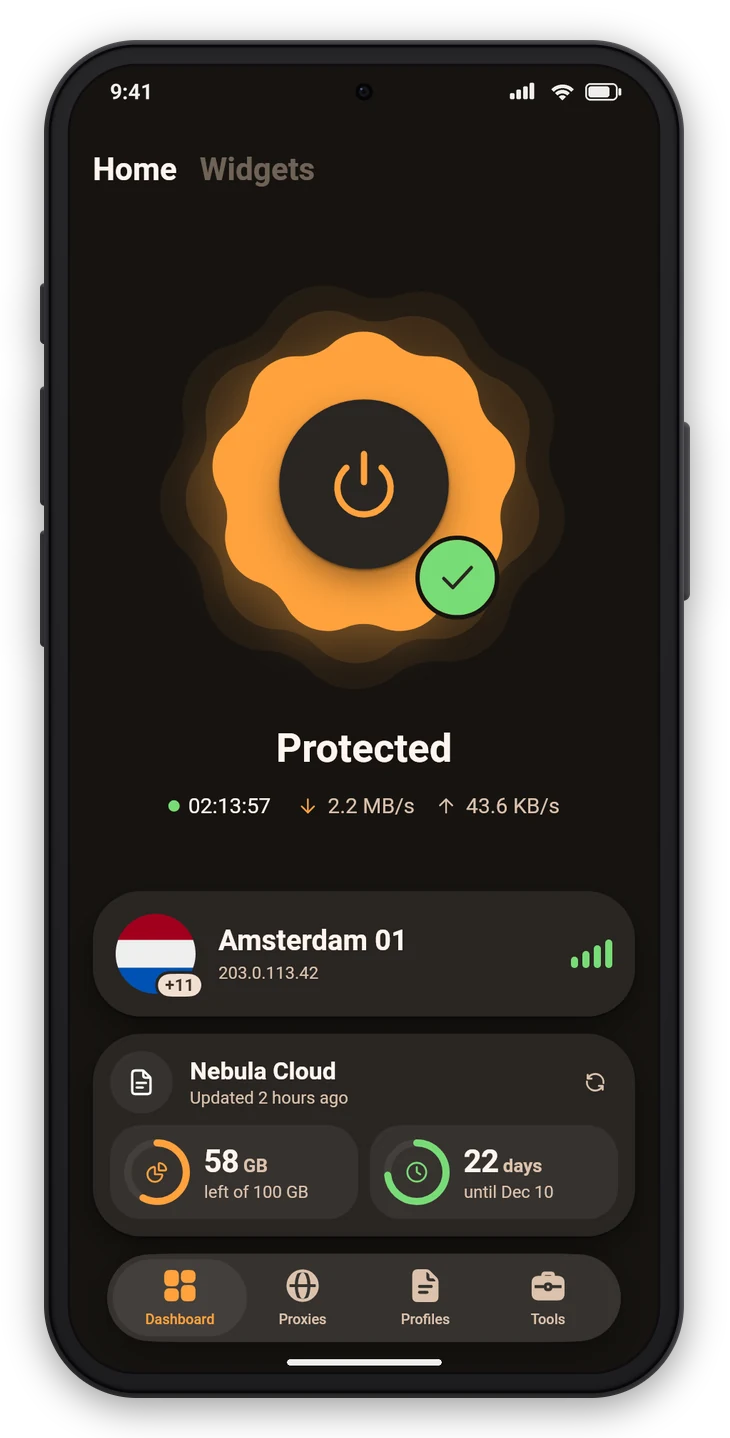
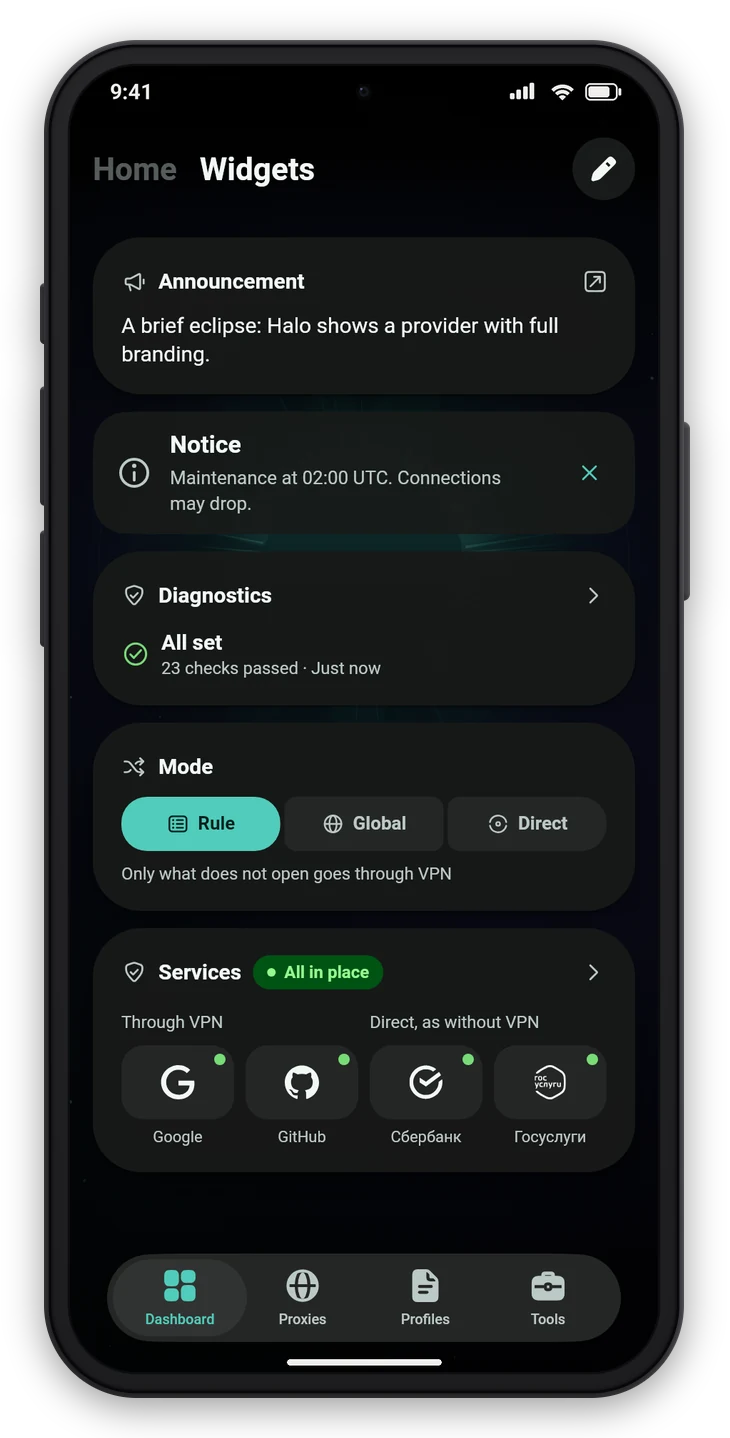
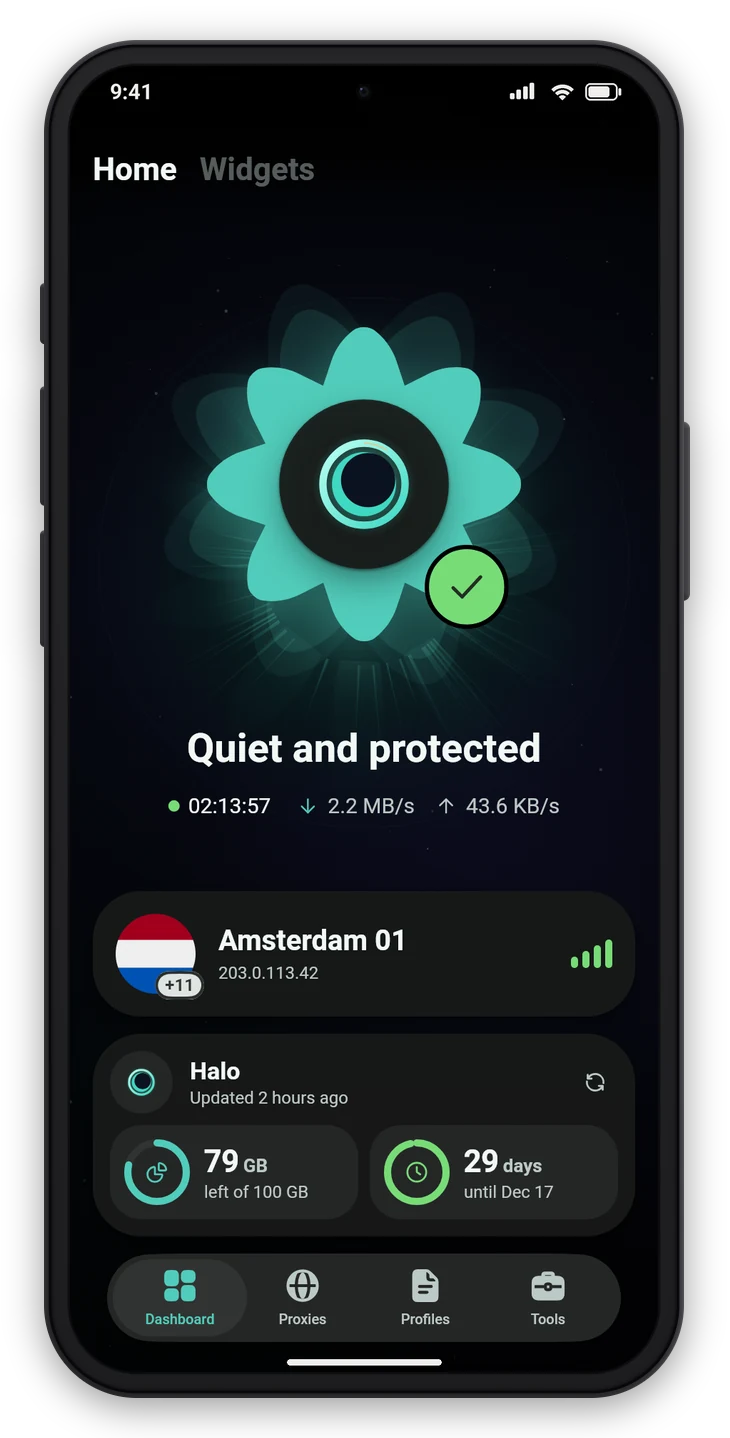
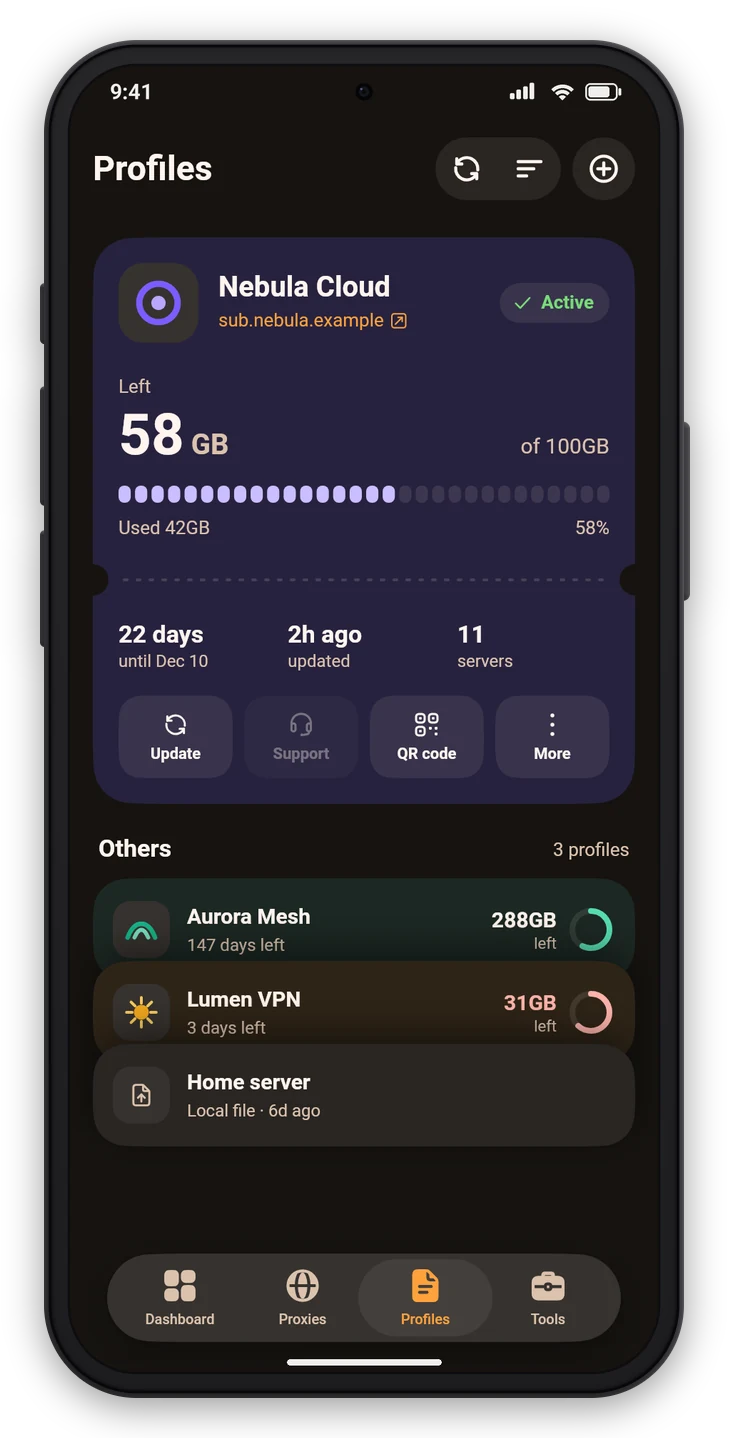
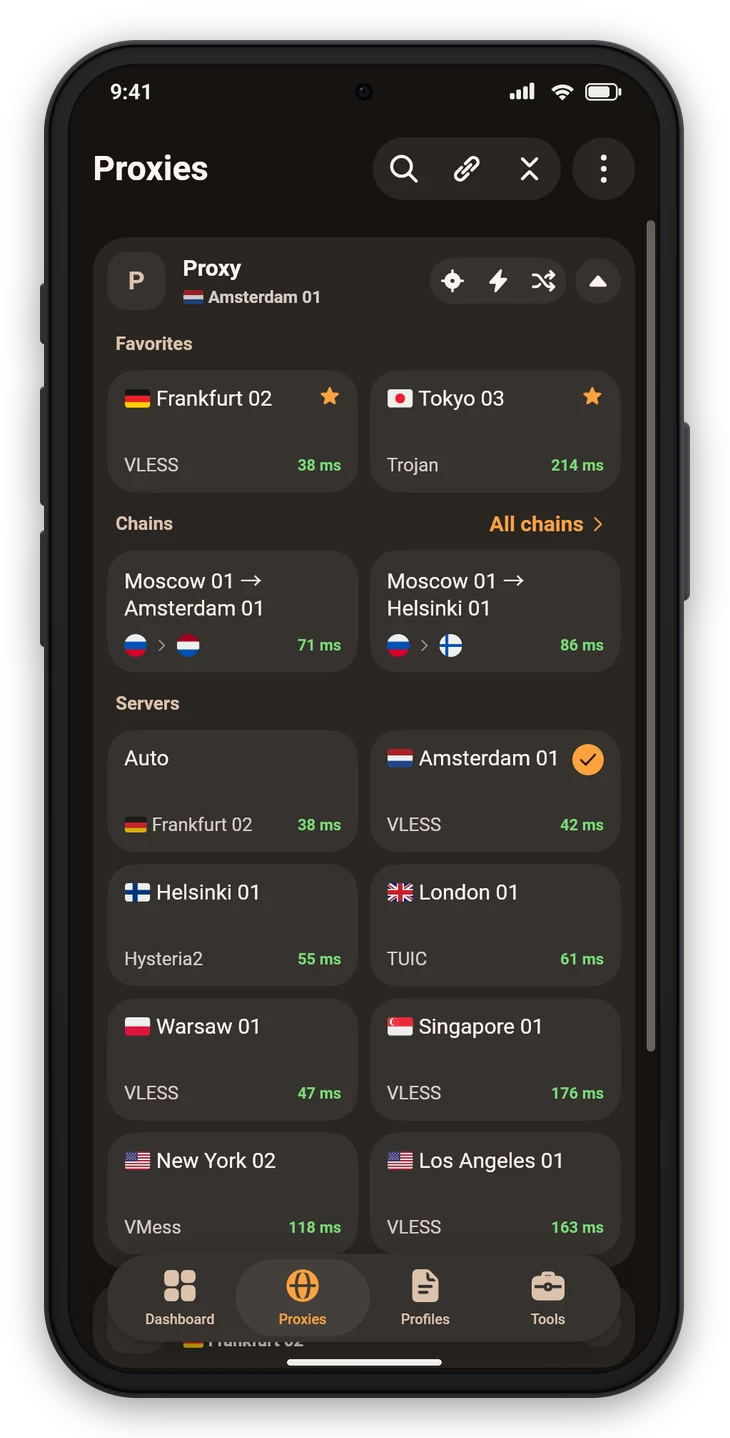
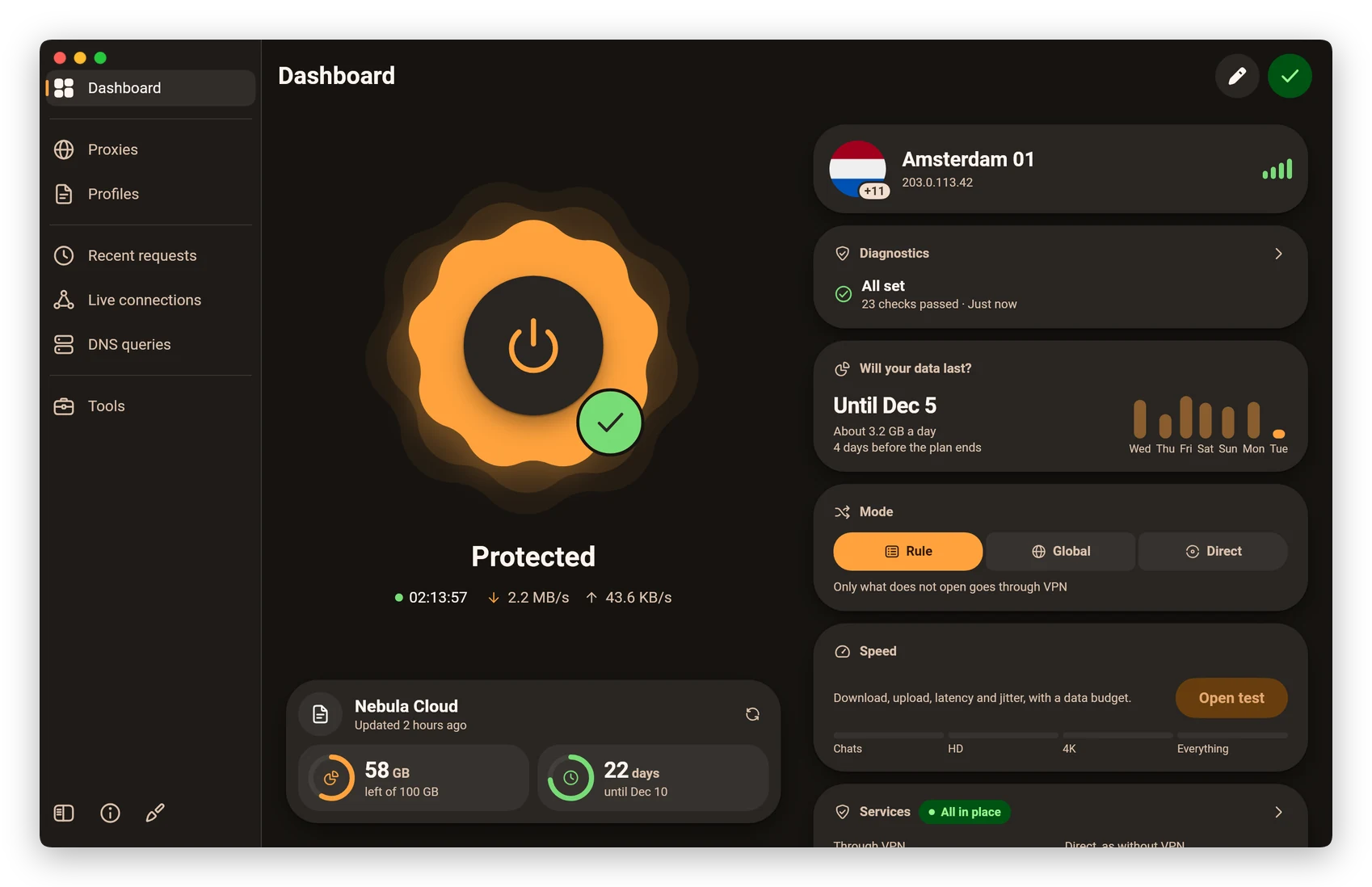
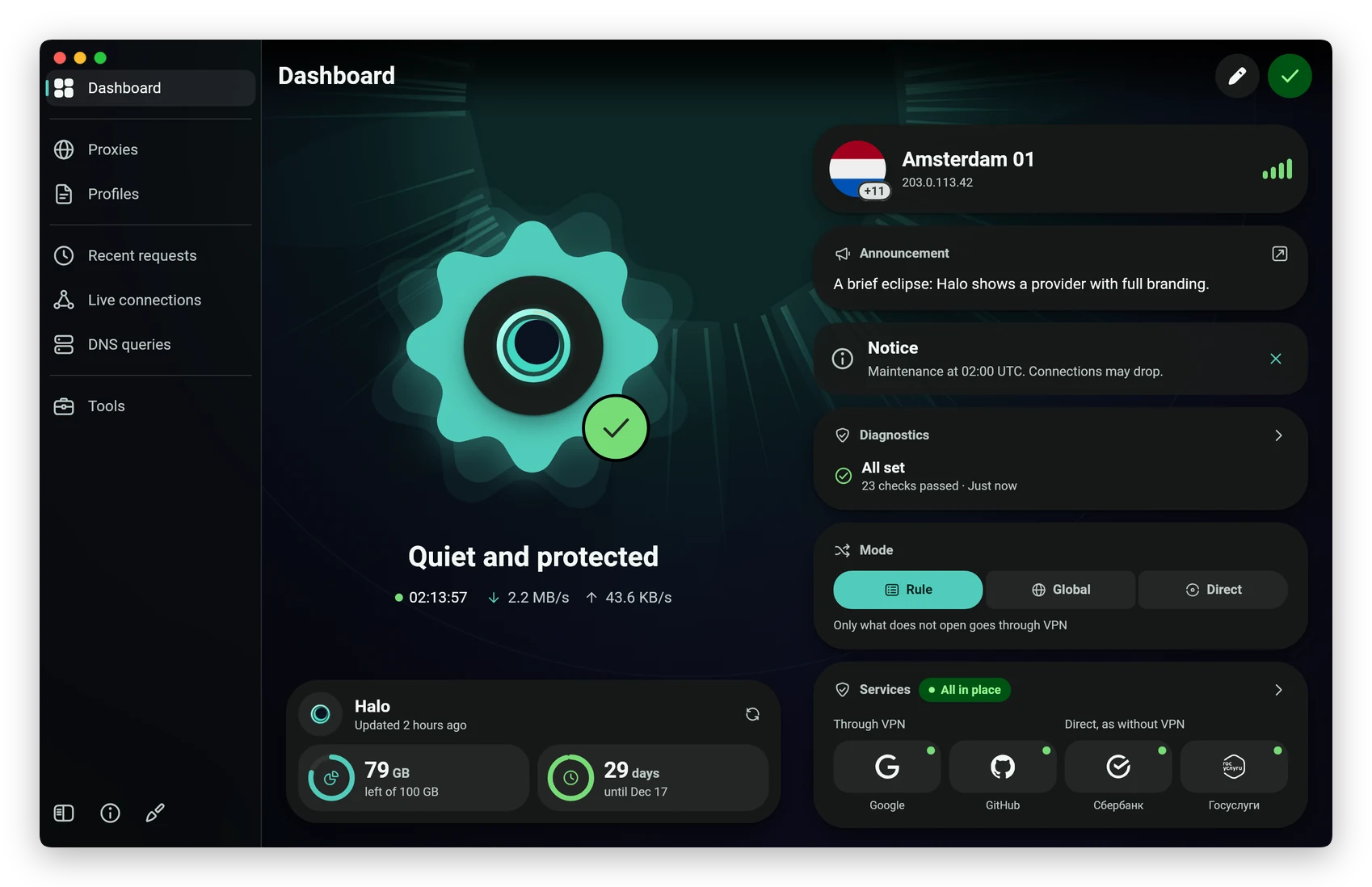
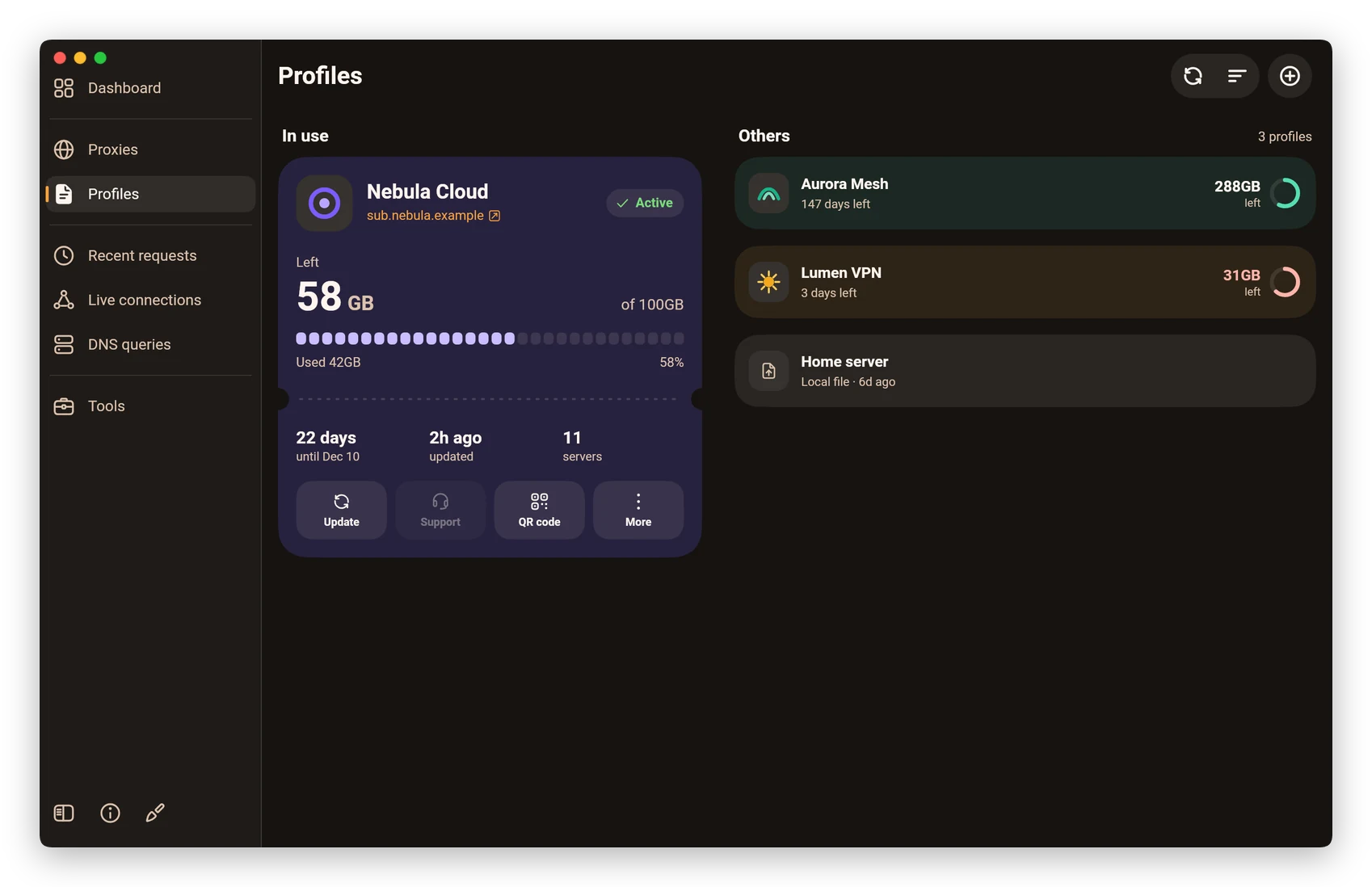
How ReClash differs from a typical client.
| Situation | Typical client | ReClash |
|---|---|---|
| A site only works from one country | Keep an eye on which server is selected | The site is pinned to its exits and never goes around them |
| A site will not open | Hard to tell whether the server or the site is at fault | Service checks show what opens through the current route |
| Traffic left | Often buried in profile settings | Remaining traffic and expiry on the main screen, and a forecast of whether it will last |
| Home Wi-Fi | Turn it off and on by hand | Pauses on trusted networks, resumes elsewhere |
| Provider | Just a server list | Logo, announcements, support and settings you approve |
| Price | Sometimes ads or paid features | Free, open source, ad-free |
One link and three steps to get set up.
Bring your own subscription. No account, registration or email.
- 1
Install the client
Windows, macOS, Linux or Android. Choose an installer or a portable build.
- 2
Add a subscription with one link
Import a link or configuration file. Clash/mihomo profiles and common individual-node links are supported, with a review before adding them.
- 3
Connect
Choose a profile and node, then start the connection. Approve VPN permission on Android; desktop TUN requires the system helper.
Already have a subscription link?
Browser onlyPaste it to get a link that opens ReClash and imports the profile in one tap. Providers can put the same button on their account page.
reclash://install-config?url=https%3A%2F%2Fsub.example%2Flink%2Fabc123Your app, without writing one.
No SDKs, plugins or agreements. One reclash-config header in the subscription response points to a manifest, and users see your logo, color, announcements, remaining traffic and a renewal button.
The builder assembles reclash.yaml and the header that points to it, and mock subscriptions help you test the result.
HTTP/2 200subscription-userinfo: upload=0; download=66571993088; total=214748364800profile-update-interval: 12reclash-config: https://example.com/reclash.yaml# reclash.yamlprovider.name: ReClashview.app.color: "#FF7A2F"provider.announce.text: Profile imported from a link.provider.renew.url: https://example.com/renewcards: [ banner, note, actions ]
Runs on four platforms.
Windows
- Windows 10 or later
- Installer and portable build
- TUN and system proxy
macOS
- macOS 12 or later · Intel and Apple silicon
- DMG image
- TUN through a system helper
Linux
- AppImage (x86_64), DEB, RPM and pacman
- DEB, RPM and pacman packages are available for ARM64
- TUN and system proxy
Android
- Android supported by the current Flutter build
- APKs for each architecture
- VPN service mode
Current files are always on the download page.
Leave whenever you want.
No account or lock-in. Your servers and profiles belong to you, and a standard Clash subscription works with any compatible client. ReClash is fully open source: nothing keeps you here.
Under the hood: FlClash and mihomo.
ReClash builds on FlClash with RCX routing, subscription and individual-node import, provider metadata and a simple dashboard by default. The detailed dashboard is enabled in Appearance settings. On phones, swipe between its pages; providers can set the power button's appearance. The Material You interface adapts to phones and desktops, with connections, DNS queries and logs available in Tools.
The project is not affiliated with FlClash, mihomo or FlClashX. How it differs from FlClash
- ReClashRCX routing, subscriptions, dashboard and tools
- FlClashA cross-platform foundation built with Flutter
- mihomoRouting core: rules, groups, GeoIP, fake-ip
What comes next depends on you.
Paste your link and connect
ReClash opens your provider's link, shows remaining traffic and connects, without an account, registration or email.
Download ReClashYou sell accessMake the client your own
One manifest linked from the reclash-config header brings your logo, color, announcements and renewal button to the app. No need to build your own client.
Build the manifest